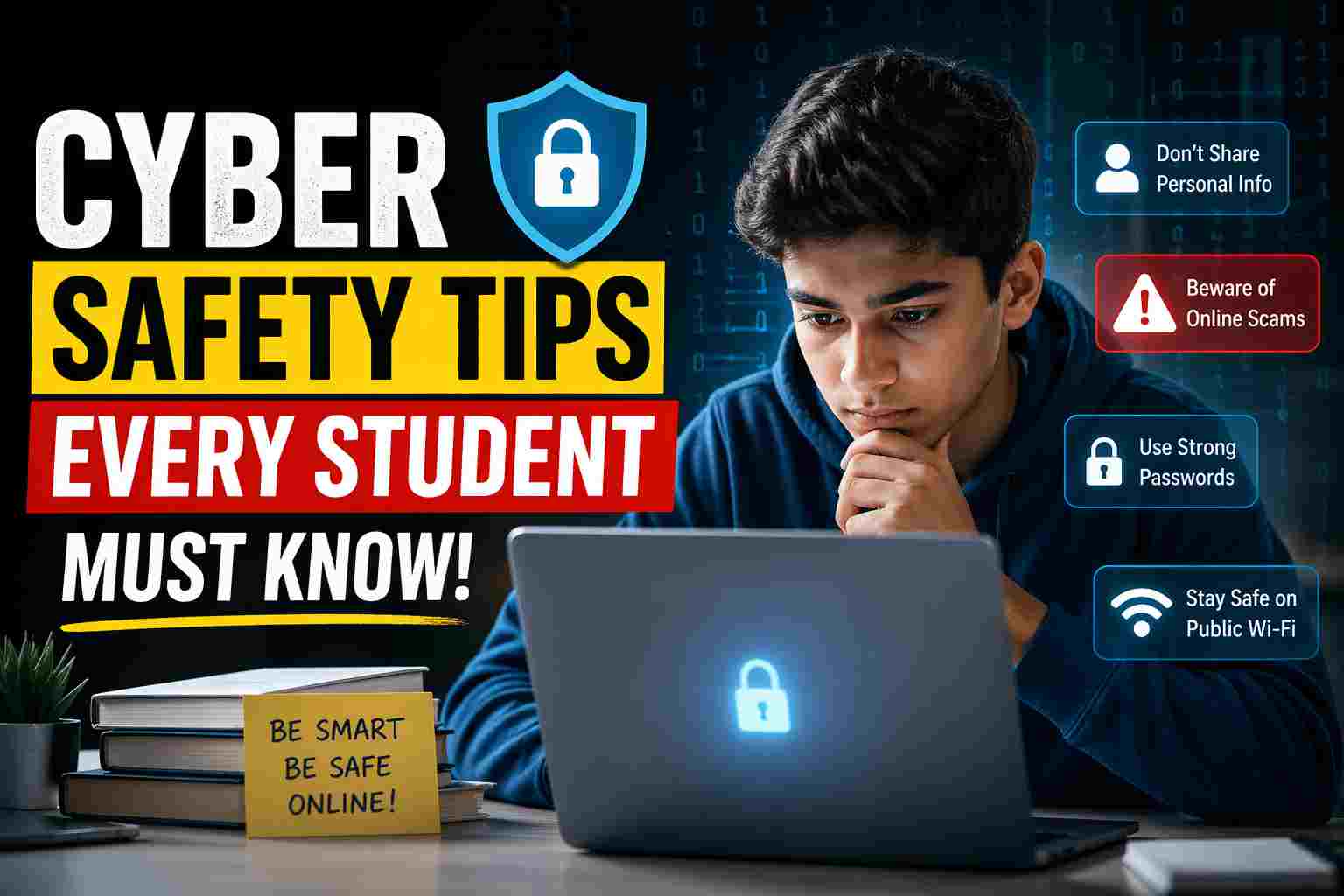
In this blog, we study Cyber Safety Tips Every Student Must Know. Cyber safety means staying safe while using the internet, mobile phones, and digital platforms. It involves protecting your personal information, avoiding online scams, and using technology responsibly. Cyber threats like hacking, phishing, and identity theft happen when attackers try to misuse your data through unsafe links, fake websites, or unknown messages. By understanding how these risks work, students can take simple steps to stay secure online.
Introduction
In today’s digital world, students spend a large amount of time online—whether for studying, social media, gaming, or communication. While the internet offers endless opportunities for learning and growth, it also comes with risks that many students are not fully aware of. From cyberbullying to data theft, online threats are increasing rapidly. That’s why cyber safety has become an essential skill for every student. Learning how to protect yourself online is just as important as studying your academic subjects.
🚨 Why Cyber Safety is Important for Students

Students are one of the most active groups on the internet, making them easy targets for cybercriminals. Lack of awareness can lead to serious issues like hacked accounts, loss of personal data, or even mental stress due to online harassment. Practicing cyber safety helps students:
- Protect their personal information
- Avoid scams and fraud
- Maintain a positive digital reputation
- Stay mentally safe from harmful online interactions
🔐 Cyber Safety Tips Every Student Must Follow
1. Use Strong and Unique Passwords
Always create strong passwords using a mix of letters, numbers, and symbols. Avoid using simple passwords like your name or date of birth. Never share your passwords with anyone, even friends.
2. Do Not Share Personal Information Online
Never share sensitive details like your home address, phone number, school name, or passwords on public platforms. Even small information can be misused.
3. Be Careful with Unknown Links and Emails
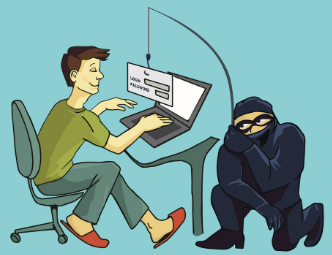
Do not click on suspicious links or download attachments from unknown sources. These can contain viruses or phishing attempts designed to steal your data.
4. Keep Your Social Media Accounts Private
Set your social media profiles to private so that only trusted people can see your posts and information. Think twice before posting anything online.
5. Avoid Talking to Strangers Online

Not everyone online is who they claim to be. Avoid chatting with unknown people and never agree to meet someone you met online without parental guidance.
6. Update Your Devices Regularly
Keep your phone, laptop, and apps updated. Updates often include security patches that protect your device from new threats.
7. Use Antivirus and Security Software
Install trusted antivirus software to protect your devices from malware, viruses, and hacking attempts.
8. Think Before You Post
Anything you post online can stay there forever. Avoid sharing inappropriate content that could harm your reputation in the future.
9. Report Cyberbullying Immediately
If someone is harassing or bullying you online, do not stay silent. Report it to a trusted adult, teacher, or platform authority.
10. Log Out from Shared Devices
Always log out from your accounts when using public or shared computers to prevent unauthorized access.
⚠️ Common Cyber Threats Students Should Know
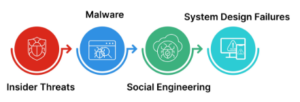
Phishing – Fake emails or messages that trick you into giving personal information
Hacking – Unauthorized access to your accounts
Cyberbullying – Harassment or threats online
Malware – Harmful software that damages your device
✅ Conclusion
Cyber safety is not just a technical skill—it is a life skill in today’s digital age. As students continue to explore the internet for education and entertainment, being aware of online risks is crucial. By following simple safety tips and staying alert, students can enjoy the benefits of the digital world without falling into its dangers. Always remember: staying safe online starts with being smart and responsible.
–: End of Cyber Safety Tips Every Student Must Know :–
–: also visit : —
Please share with your friends
Thanks