Top free apps every student should actually use. Discover powerful tools for notes, productivity, focus, and study management. This guide highlights the best free apps to boost efficiency, stay organized, and improve academic performance. Perfect for ICSE students looking to study smarter, save time, and achieve better results without spending money.
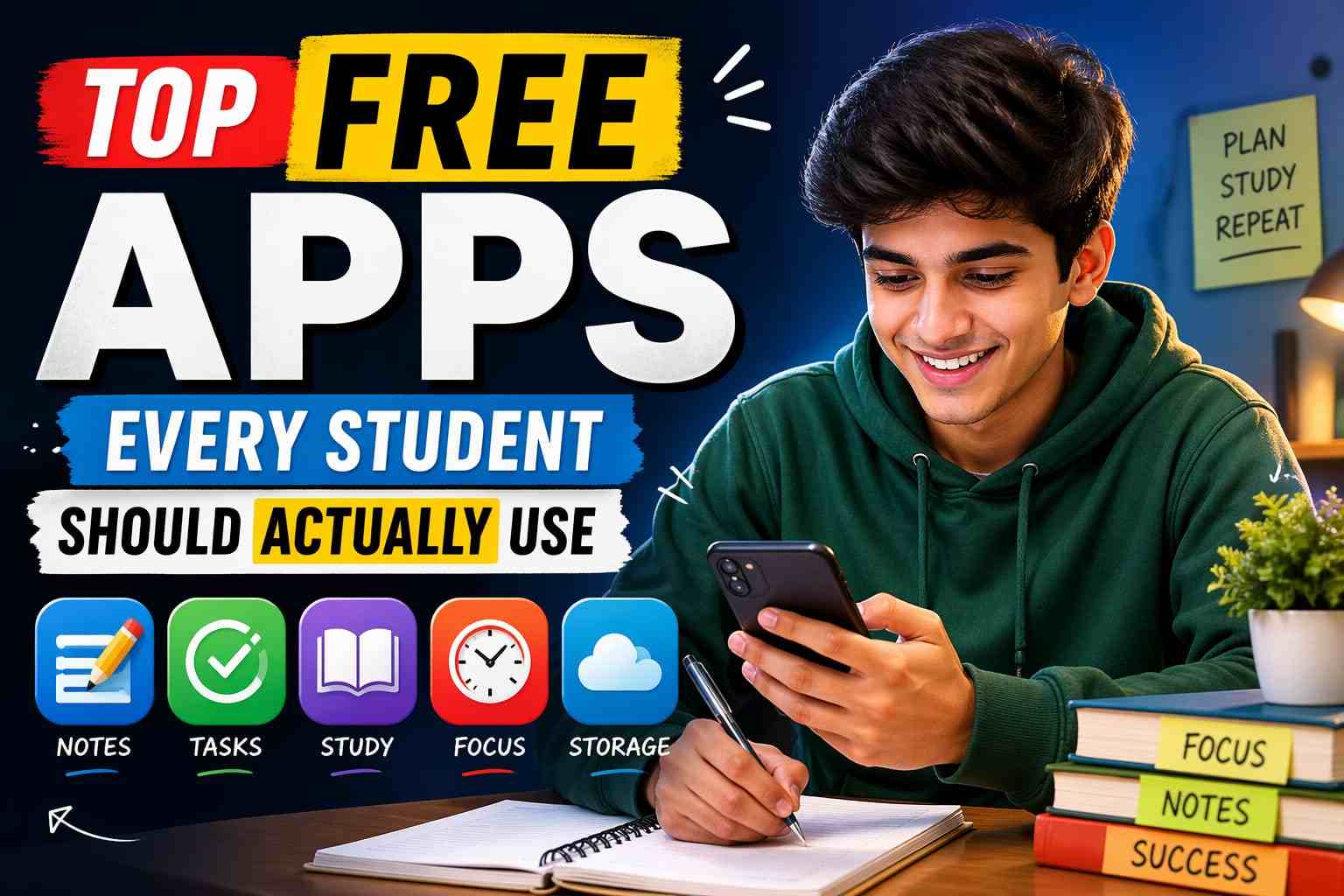
Top Free Apps Every Student Should Actually Use
Let’s be honest—most “top apps for students” lists online are either outdated or filled with apps nobody really uses.
So instead of giving you a fancy list, I’m sharing apps that students actually rely on in real life—whether it’s for managing studies, staying focused, or just making things easier during exams.
1. Notion – When you want to get your life together
At some point, every student feels like everything is scattered—notes in one place, assignments somewhere else, and deadlines… completely forgotten.
That’s where Notion helps.
- Subject-wise notes
- Study planners
- Assignment trackers
It might feel a bit confusing on day one, but once you get used to it, it becomes your personal study dashboard.
2. Google Keep – For quick notes (no overthinking)
Not every note needs a full system.
Sometimes you just want to quickly save:
- A formula
- A homework reminder
- A random idea
Google Keep is perfect for that. Open → write → done. No distractions.
3. Forest – If your phone distracts you too much

You sit down to study, unlock your phone for “just 2 minutes”… and suddenly it’s been an hour.
Forest turns focus into a small challenge:
- You set a timer
- A virtual tree grows
- If you leave the app, the tree dies
Sounds simple, but it actually works surprisingly well.
4. Khan Academy – When concepts don’t click in class
There are days when no matter how much you try, a topic just doesn’t make sense in class.
Instead of stressing, just look it up on Khan Academy.
It explains concepts in a very simple way—especially useful for:
- Maths
- Science
- Basics of Economics
And the best part? It’s completely free.
5. Photomath – Your backup for tough math problems
Math can get frustrating, especially when you’re stuck on one question for too long.
With Photomath:
- You scan the problem
- It shows step-by-step solutions
If you use it properly (not just for answers), it can actually help you understand better.
6. Google Calendar – For avoiding last-minute panic

Most students don’t have a planning problem—they have a remembering problem.
Assignments, tests, submissions… everything piles up.
Google Calendar helps you:
- Track important dates
- Set reminders
- Plan your study time
It’s simple, but it saves you from a lot of stress later.
7. CamScanner – When you need to submit notes as PDFs

You’ll hear this a lot: “Send your notes in PDF.”
Instead of searching for a scanner, just use CamScanner.
- Scan handwritten pages
- Convert to PDF instantly
- Share in seconds
It’s one of those apps you don’t think about—until you really need it.
8. Duolingo – For improving English or learning something new

This one is optional, but useful.
If you want to:
- Improve your English
- Or learn a new language
Duolingo makes it feel more like a game than a class.
It’s light, fun, and surprisingly effective if you stay consistent.
9. Google Drive – So you never lose your files

Losing notes or assignments is honestly one of the worst feelings.
Google Drive solves that.
- Store everything online
- Access from any device
- Share easily with classmates
Think of it as your digital school bag.
10. Spotify – For better focus (if music works for you)

Not everyone studies well with music, but for many students, it helps.
Try:
- Lo-fi beats
- Instrumental music
Just avoid songs with lyrics—you’ll end up focusing on the music instead of your studies.
Final Thought
Apps can definitely make student life easier—but only if you actually use them properly.
You don’t need all 10.
Start with just 2–3:
- Notion or Google Keep (for notes)
- Forest (for focus)
- Google Calendar (for planning)
That alone can make a big difference in your daily routine.
–: End of Top Free Apps Every Student Should Actually Use :–
–: also visit : —
Please share with your friends
Thanks